 kTechCat
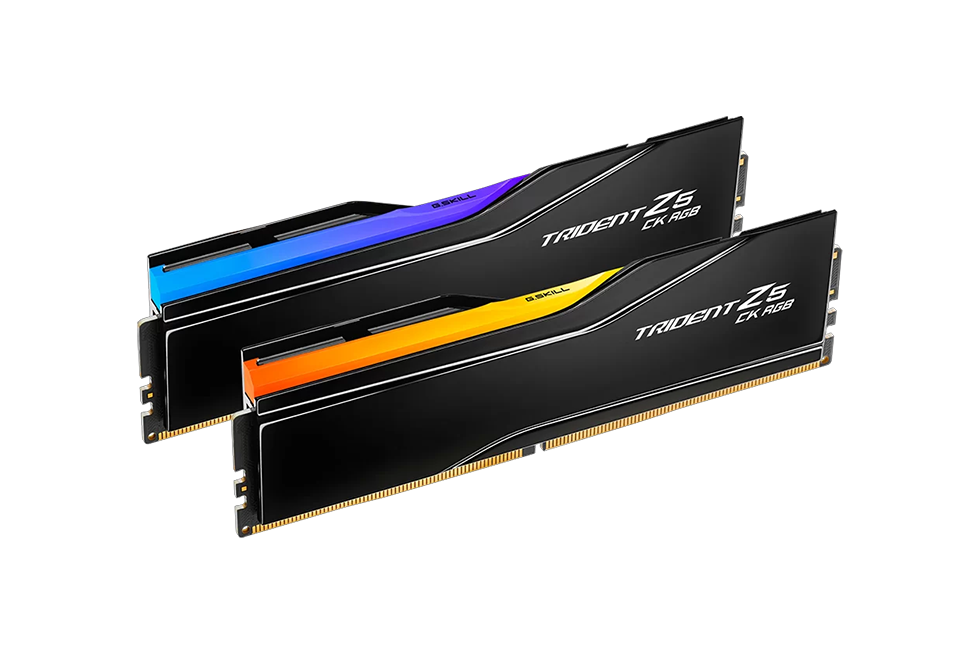
G.SKILL Trident Z5 CK RGB DDR5 8800MHz CL42 48GB (24GB×2) Review
Preface
Intel’s Ultra 200S series processors, launched a year ago, introduced support for DDR5 CU-DIMM memory for the first time, featuring a default SPD frequency of 6400 MHz. When paired with Z890 chipset motherboards, memory speeds can reach up to 8800 MHz or higher—an improvement over previous generations. The G.SKILL Trident Z5 CK RGB DDR5 8800 MHz CL42 48GB (24GB×2) reviewed here is precisely a DDR5 CU-DIMM module, with an XMP profile rated at 8800 MHz. As the first CU-DIMM memory kit to be reviewed, let’s see how it performs.
Product Specifications
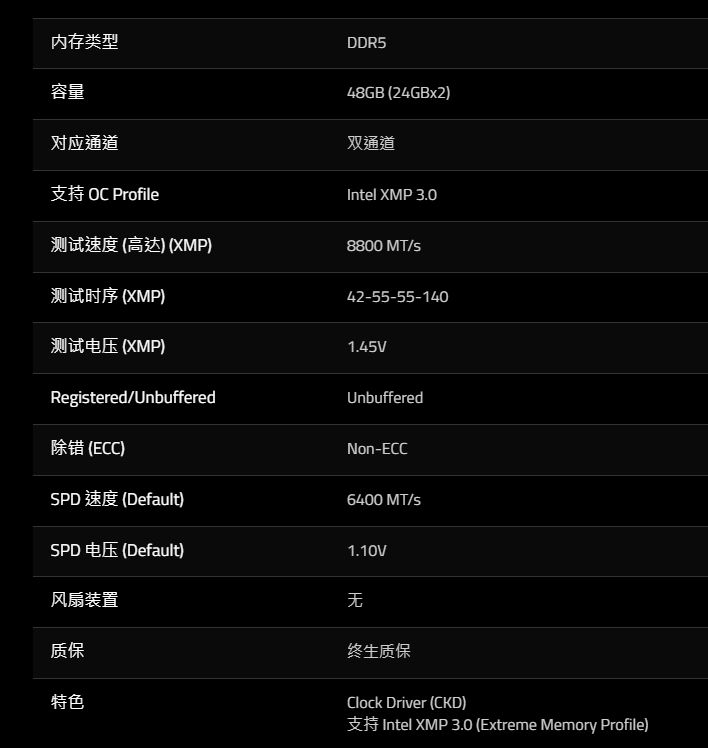
The Trident Z5 CK RGB series featured here is a DDR5 CU-DIMM dual-kit memory set, with 24 GB per module and a total capacity of 48 GB. It operates at an XMP frequency of 8800 MHz with timings of 42-55-55-140 and a voltage of 1.45 V. The default SPD frequency is 6400 MHz at 1.10 V. For detailed specifications, please refer to the table below.
Product Overview
The packaging features a black gift-box design, with a central band printed with the memory model name. A label marked “For Intel Z890 Only” is affixed to the bottom-right corner of the box.
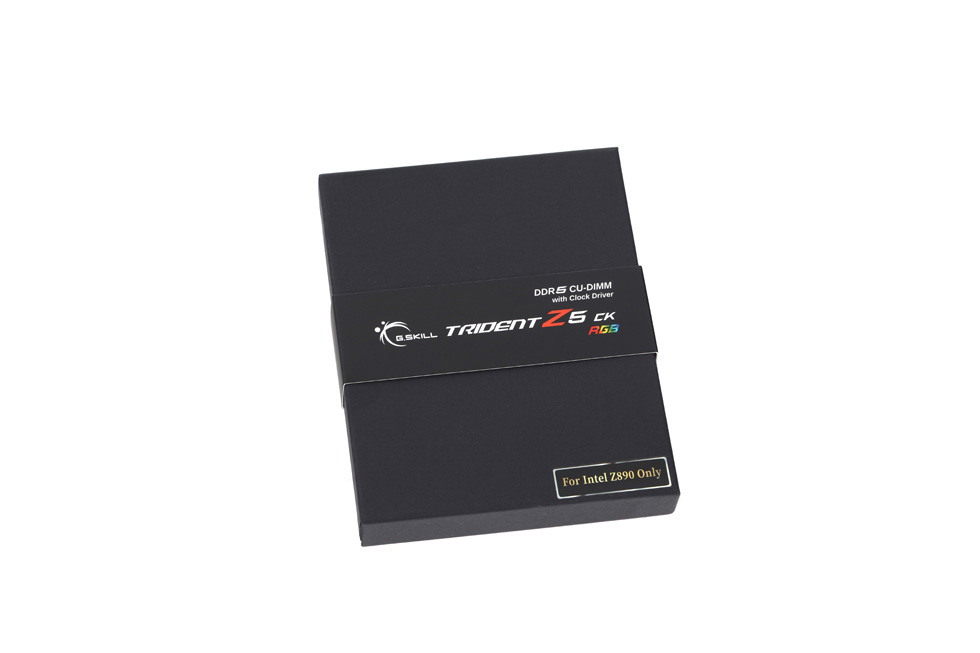
After removing the band, the G.SKILL logo is revealed.
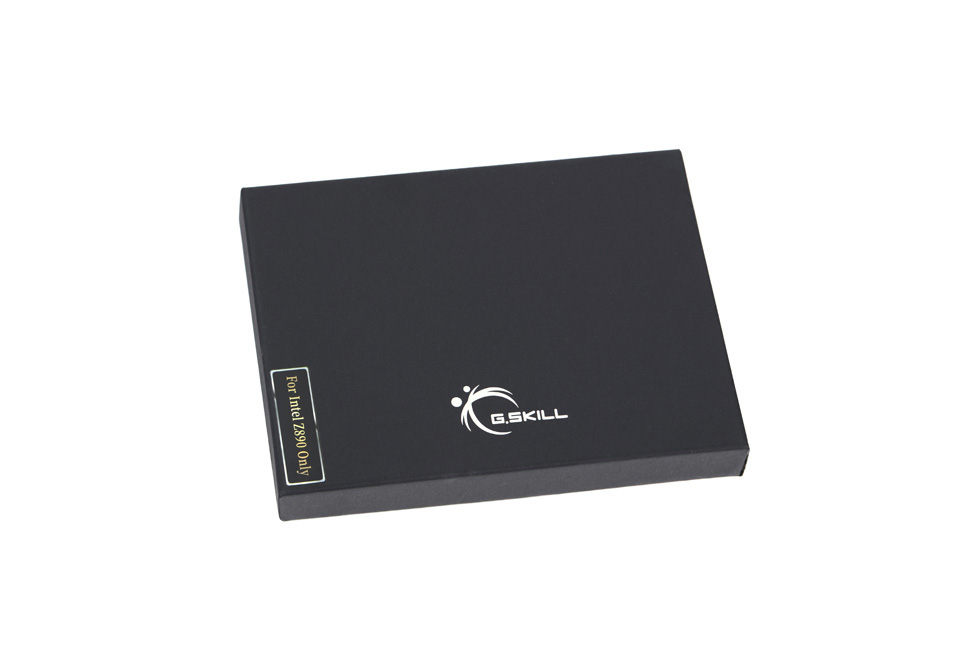
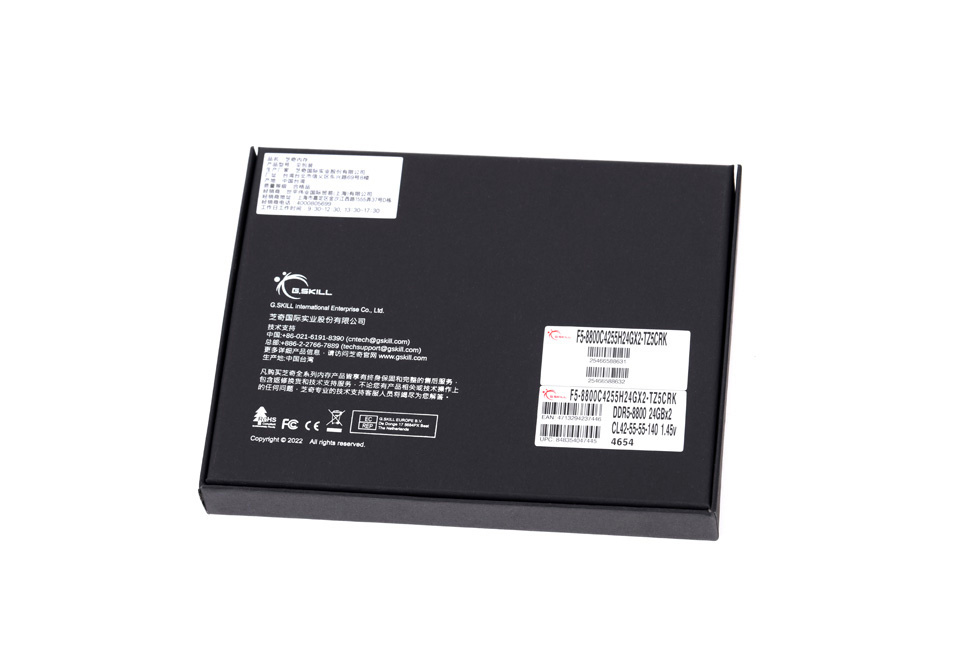
On the back of the packaging box, various product and company details are printed.
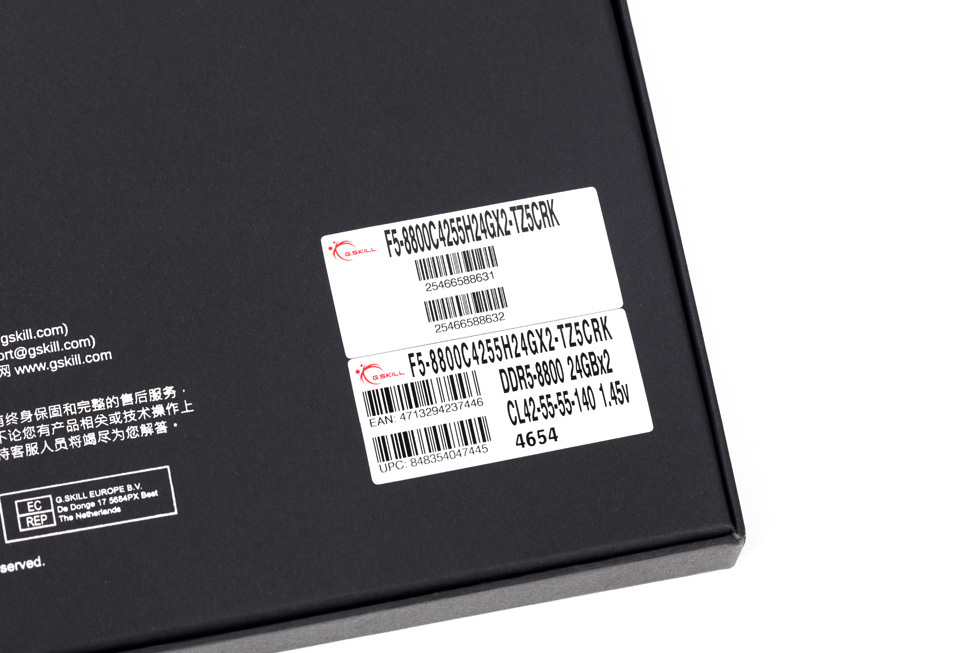
The memory model label located at the bottom-right corner.
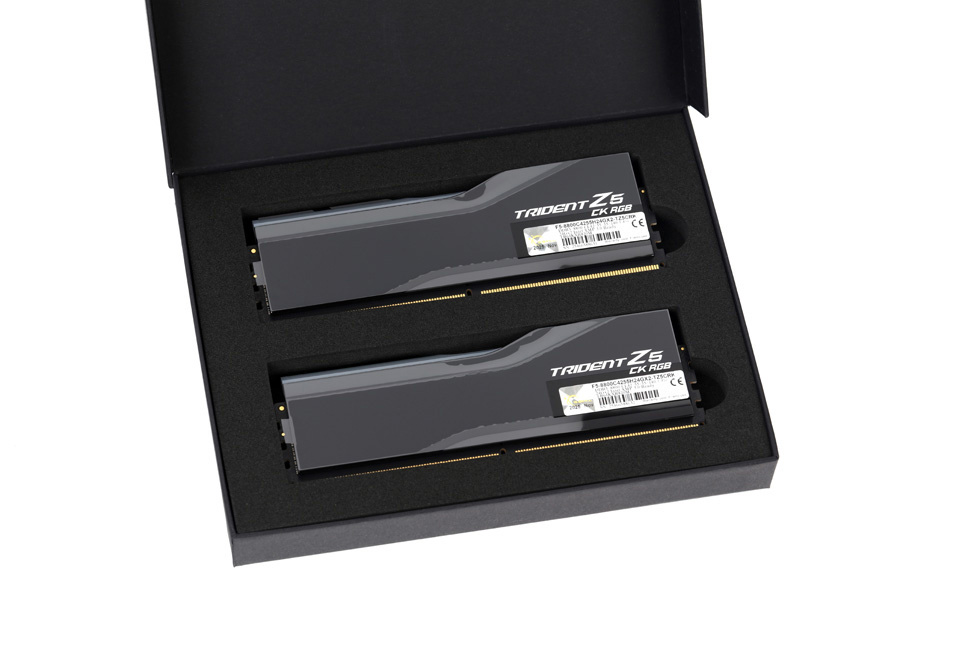
Lifting the lid reveals the memory modules nestled in anti-vibration foam.
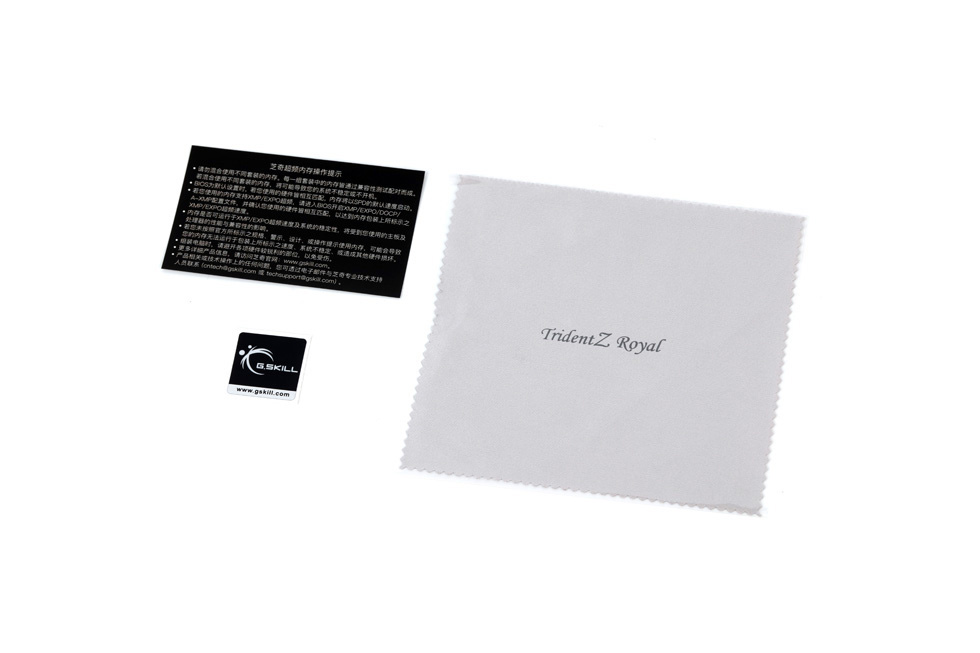
The box also includes the following accessories: a microfiber cleaning cloth, a logo sticker, and an information card.
Upon removing the memory modules, you can see that they are entirely black with a high-gloss piano-lacquer finish.
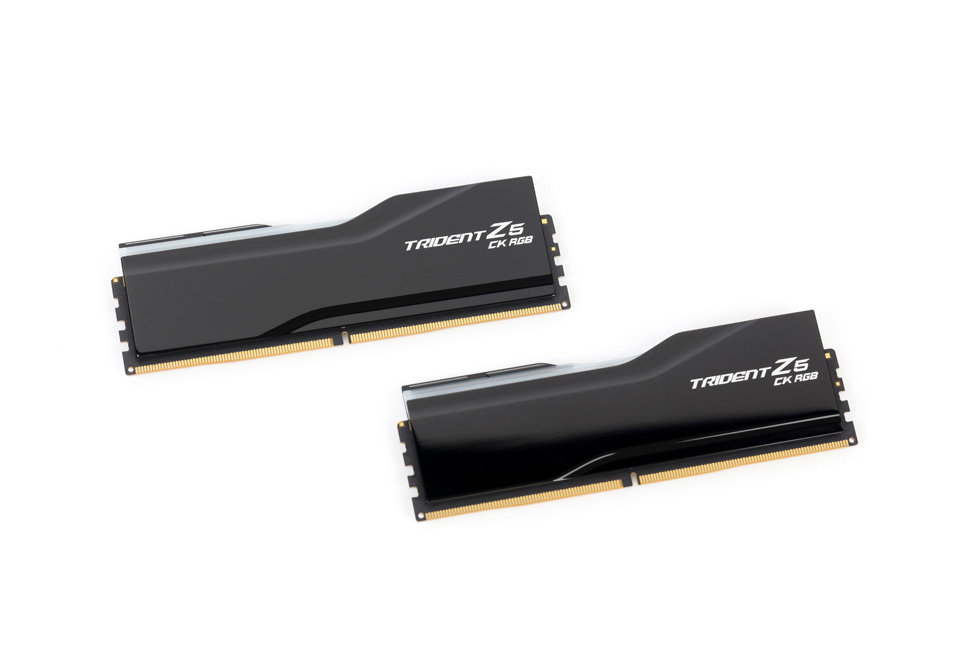
It also features a layered, contoured cutout design on the top and bottom, adding visual depth and a more dynamic appearance.
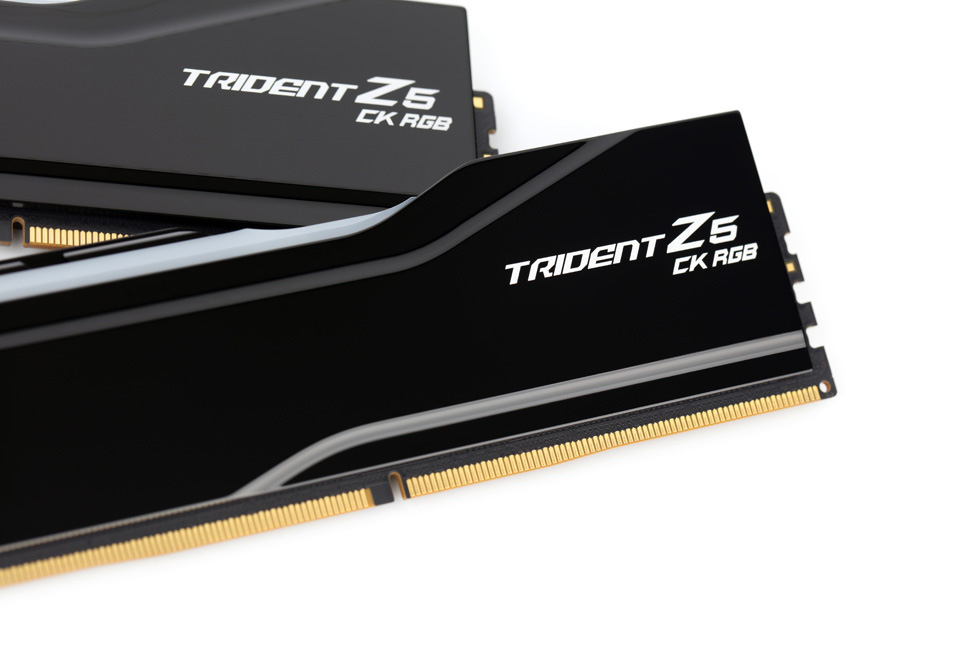
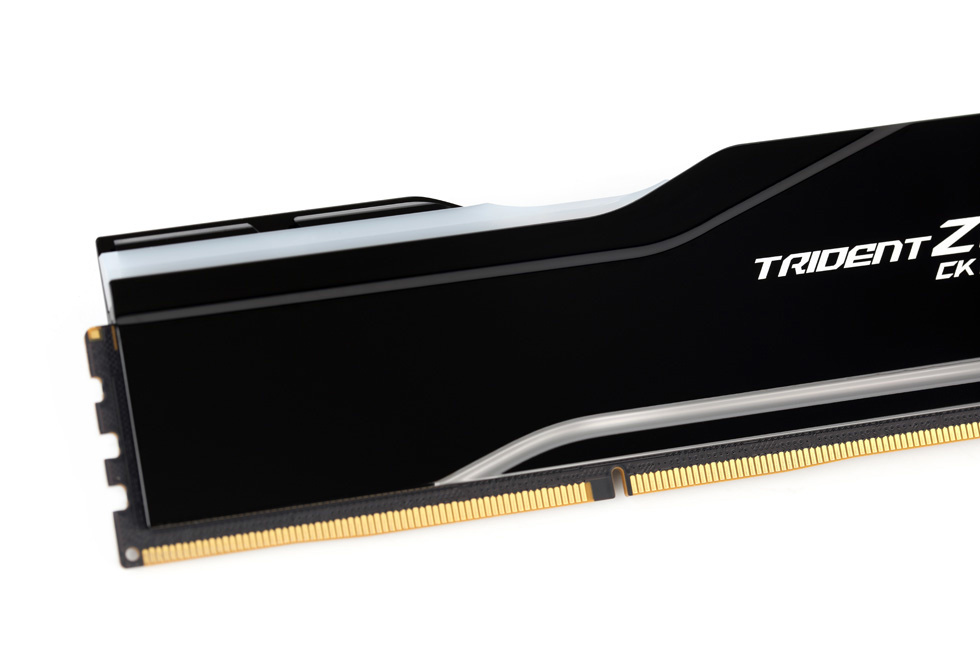
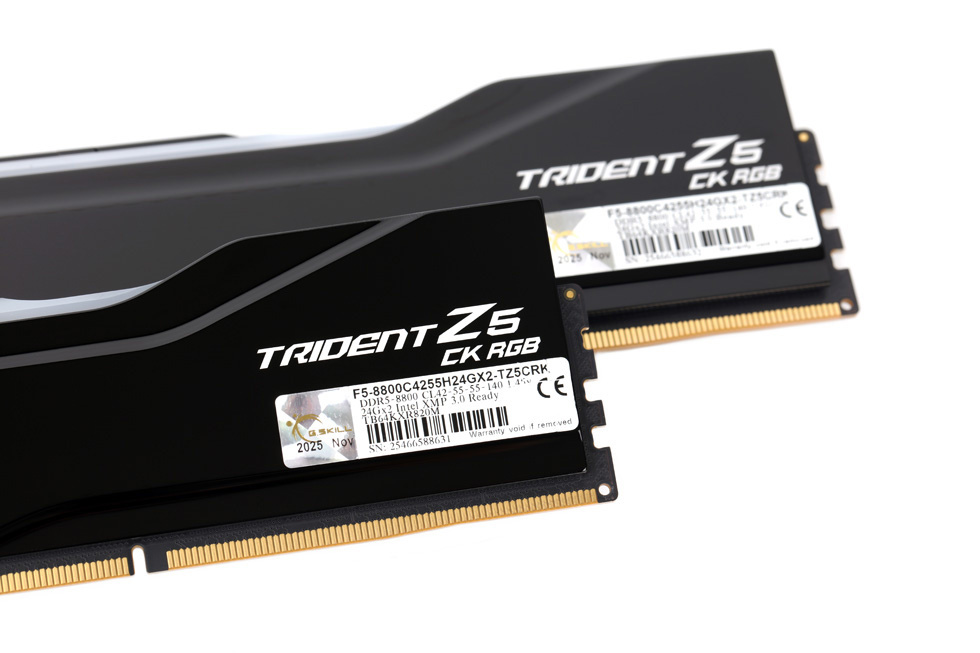
The "Trident Z5 CK RGB" model name is located on the right side of the heatsink.
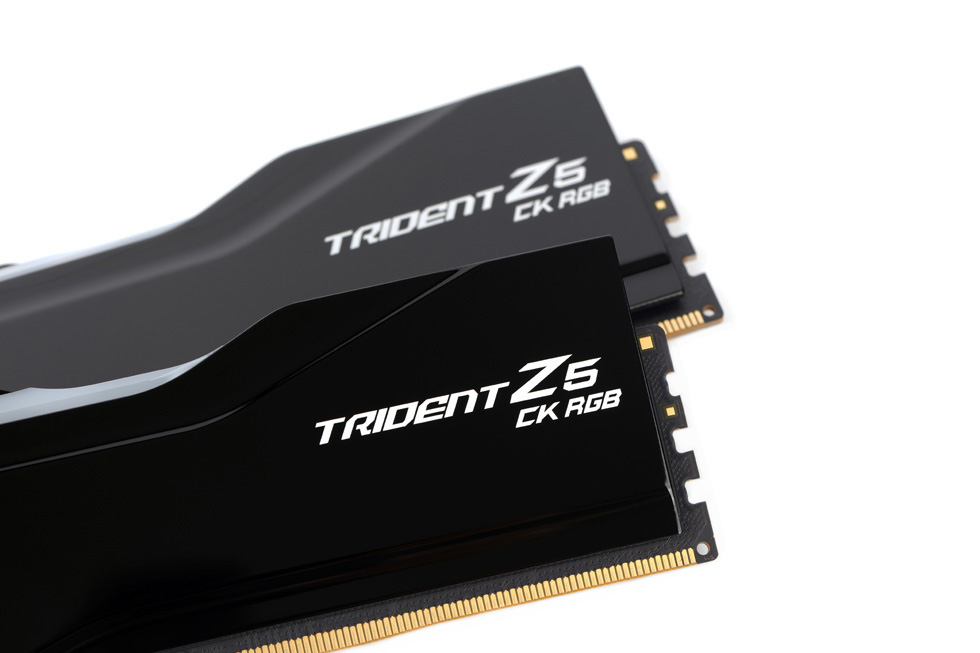
The design on the back of the memory module is identical to that on the front.
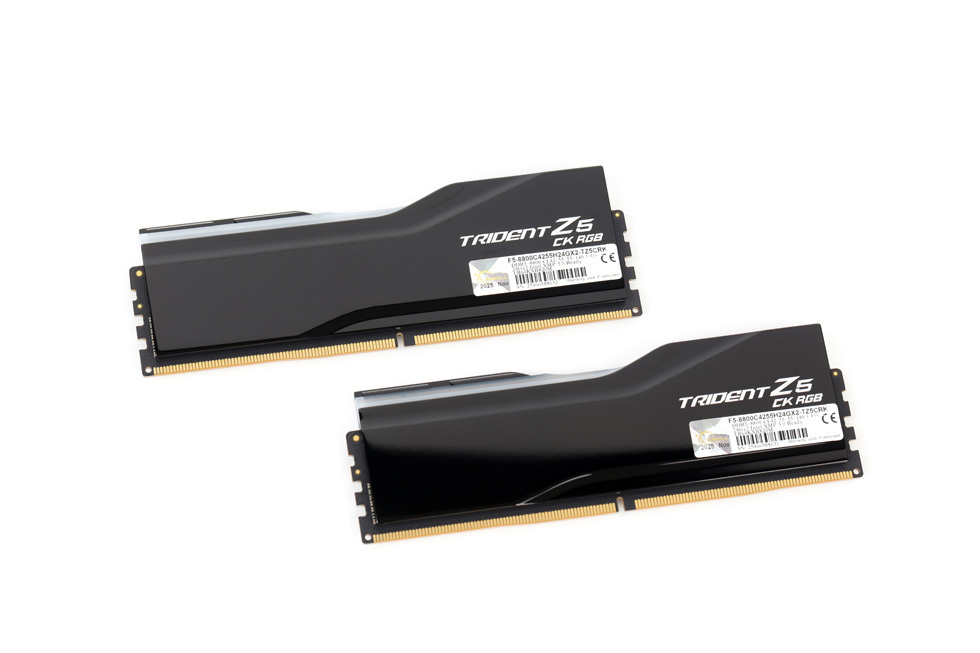
The only difference is a model label affixed to the lower-right section on the back.
The top of the memory module retains the familiar diagonally symmetrical RGB light bar design.
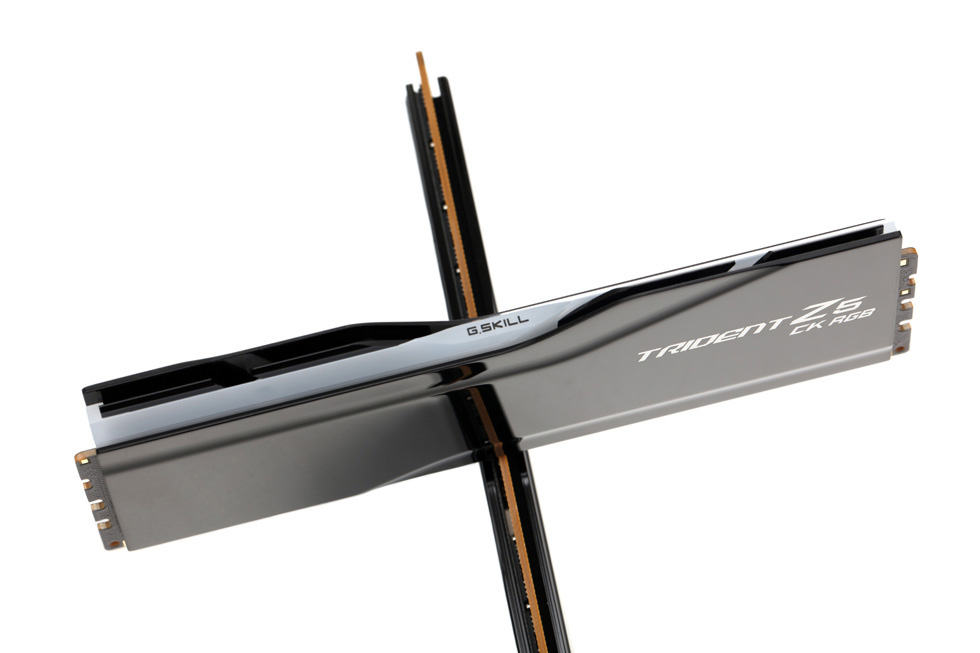
The memory features a family-style symmetrical flip design, with the G.SKILL logo printed at the intersecting point in the middle.
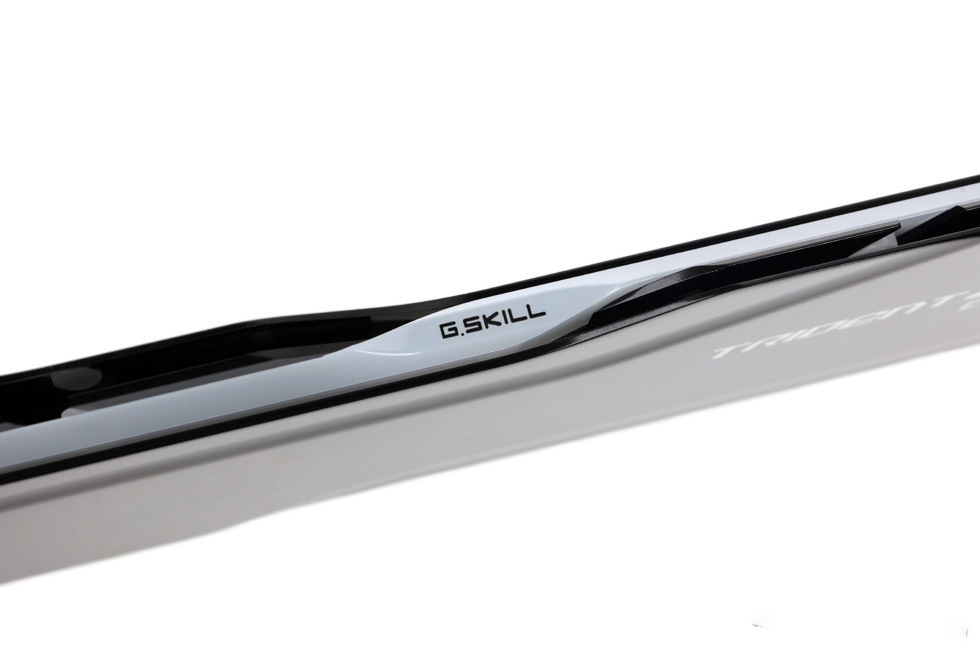
A semi-translucent light guide bar that extends into the front area.
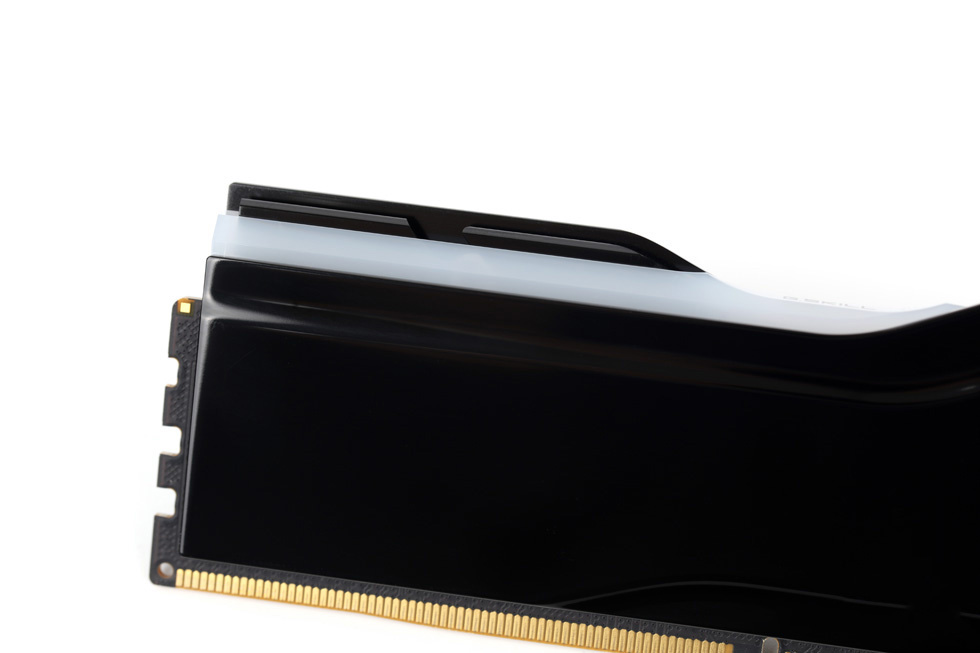
A beveled edge serves as the transition between the top and front surfaces.
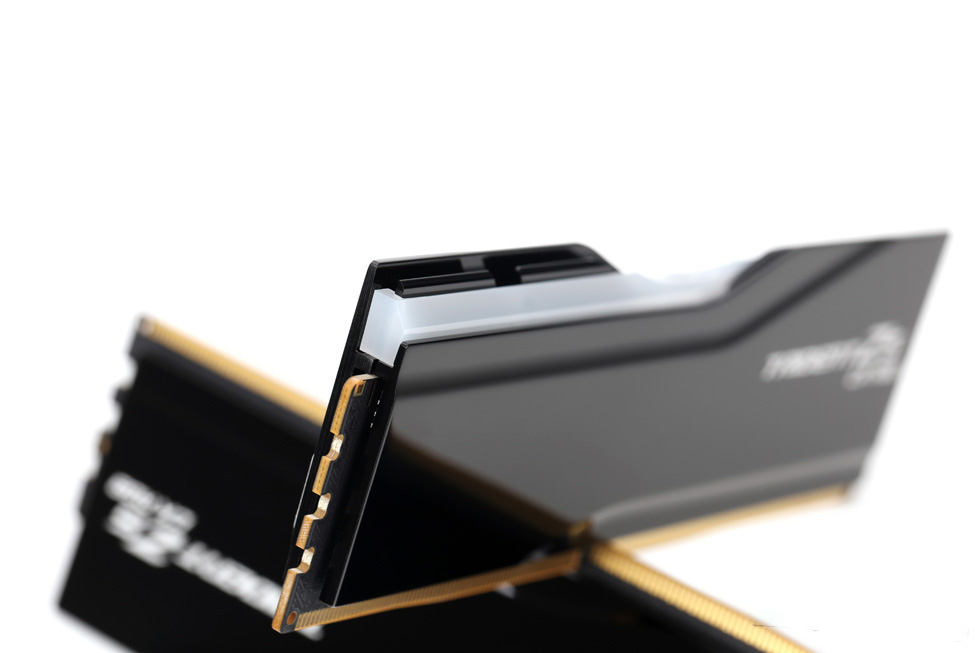
Both left and right sides feature a three-layer stacked design. In addition to the frontmost RGB light bar, the rear slotted fin-like structure serves both decorative purposes and enhances heat dissipation by increasing surface area and improving airflow.
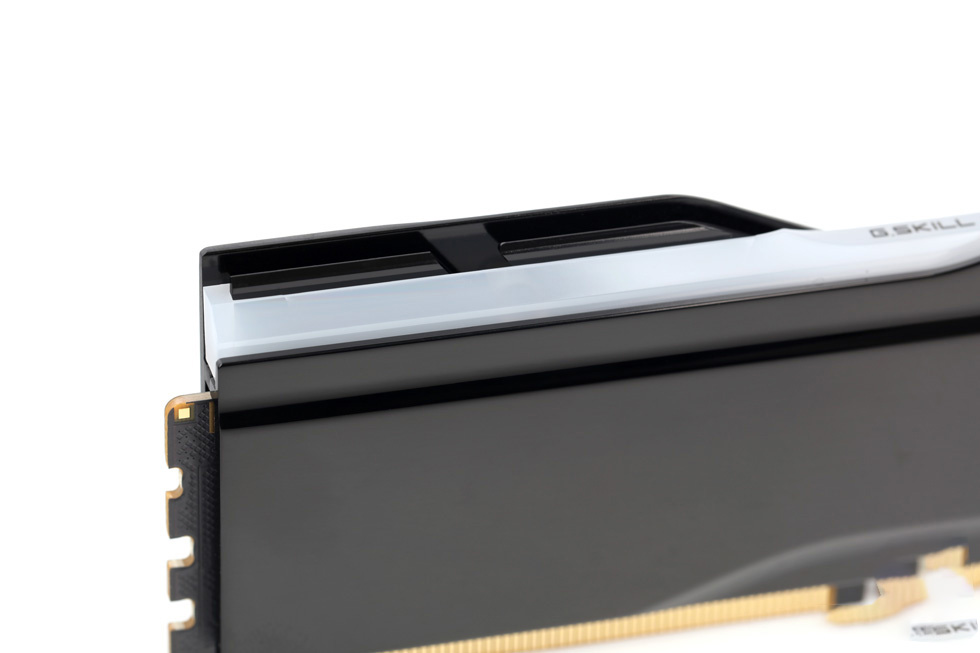
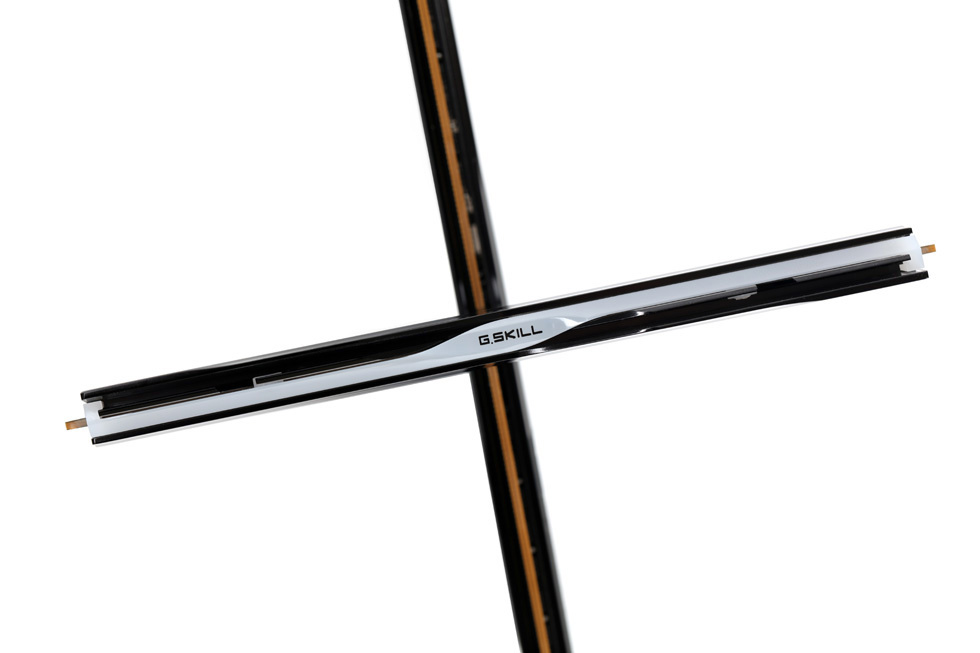
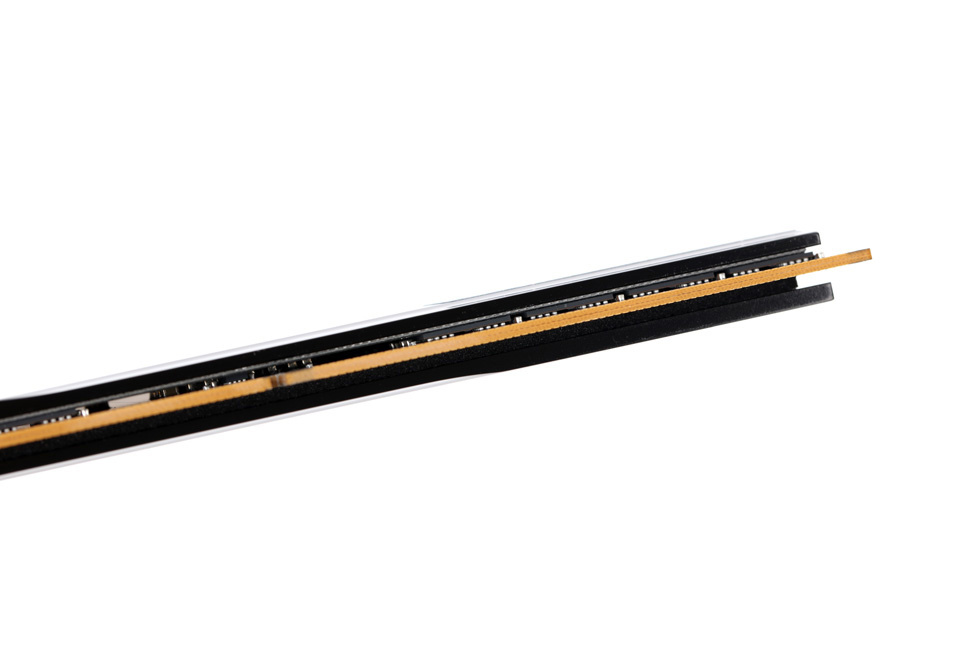
Viewed from the bottom, the memory module features a single-sided chip layout.
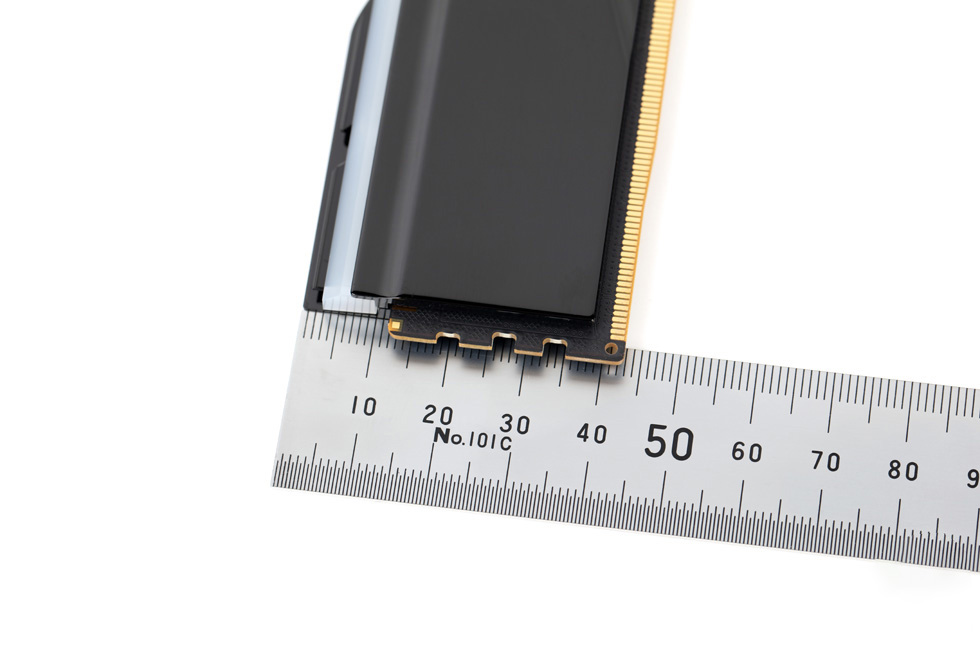
The memory module is approximately 43 mm tall.
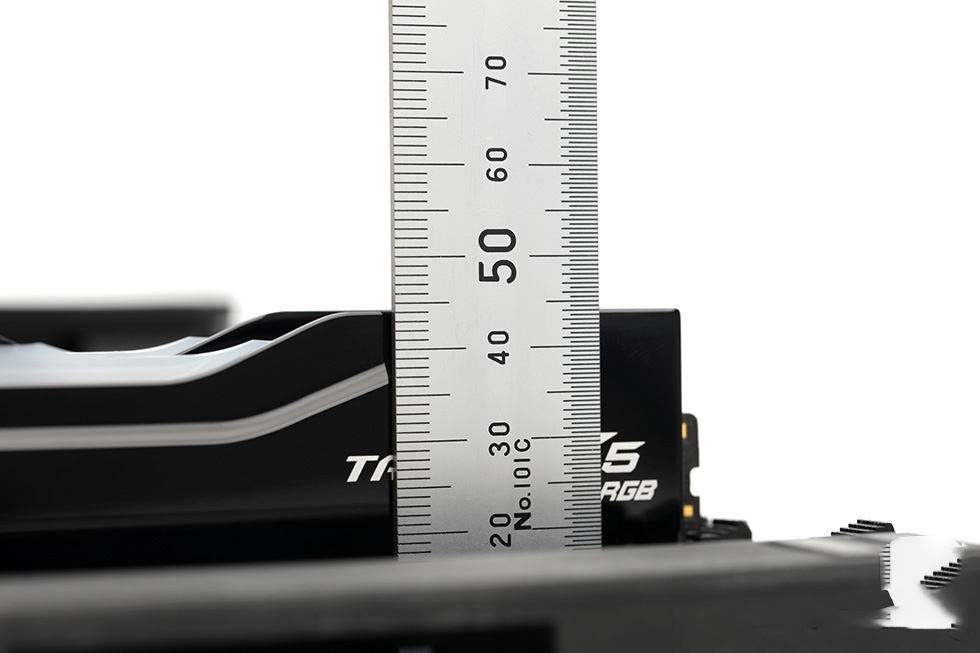
When installed, it stands approximately 44 mm above the motherboard PCB.
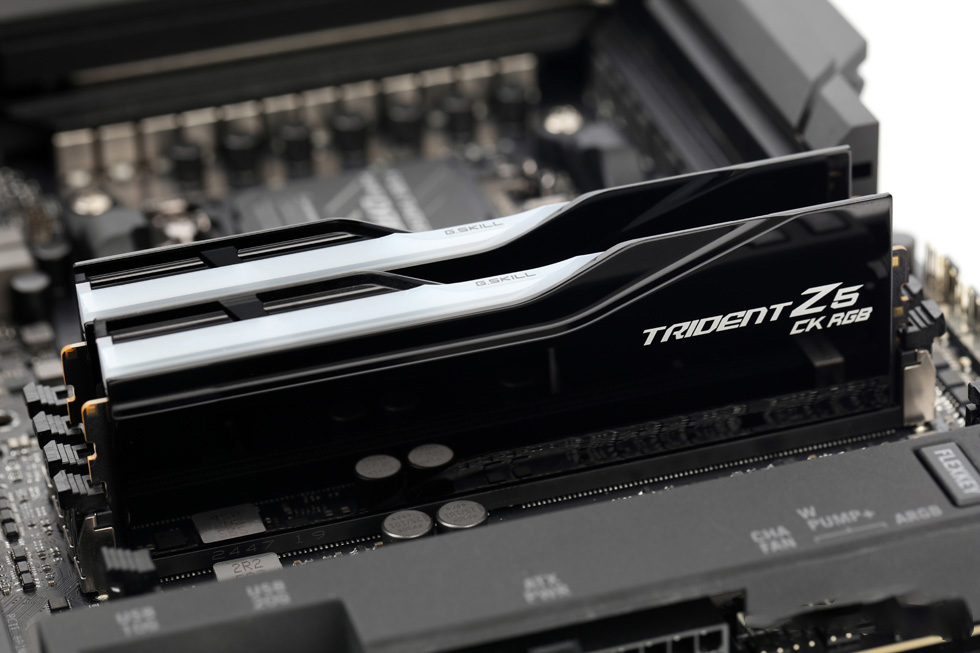
Installation Photos.
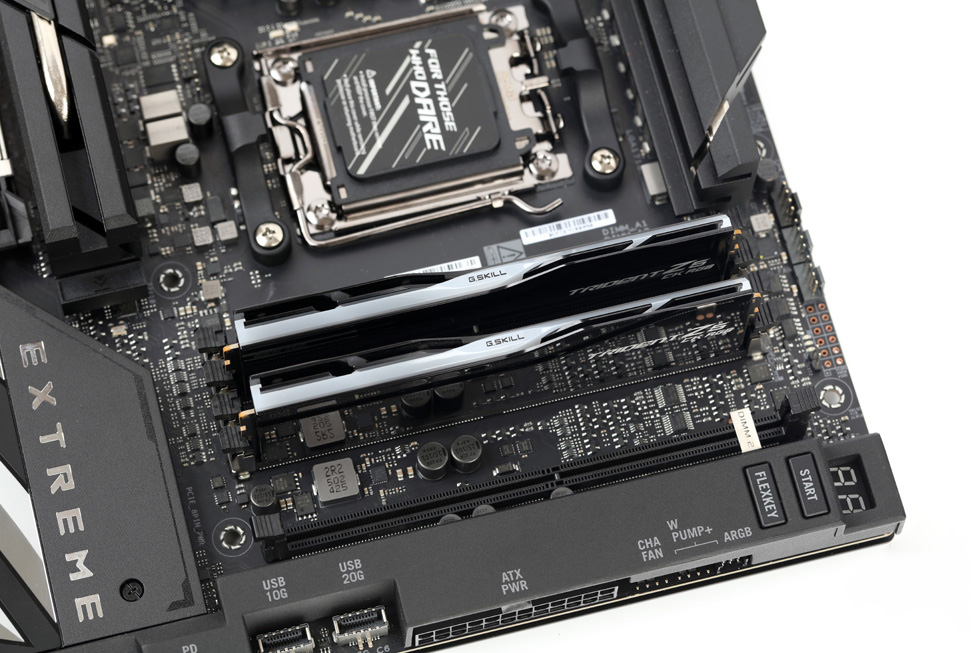
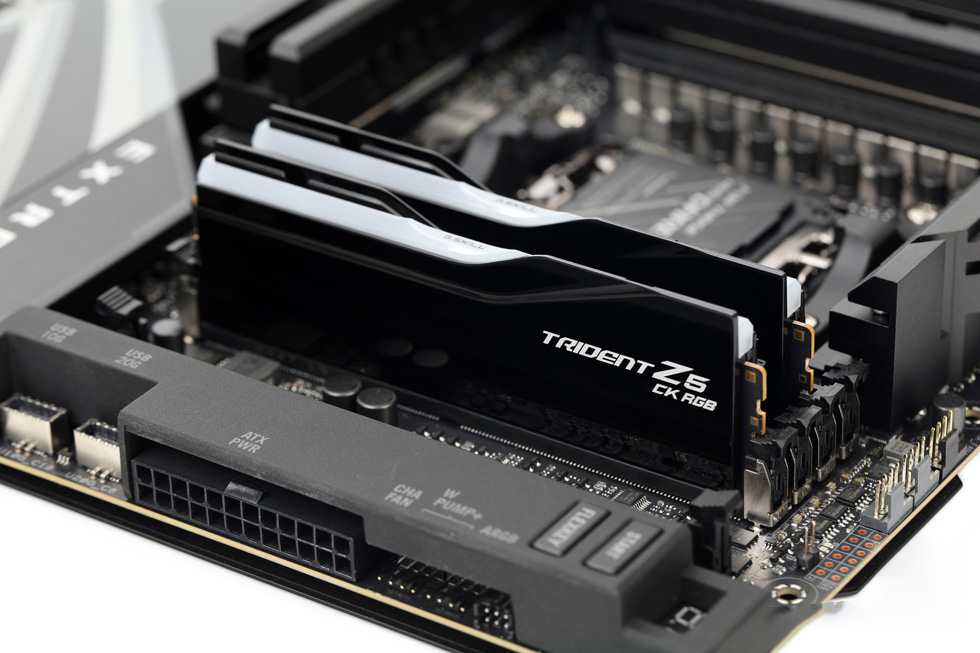
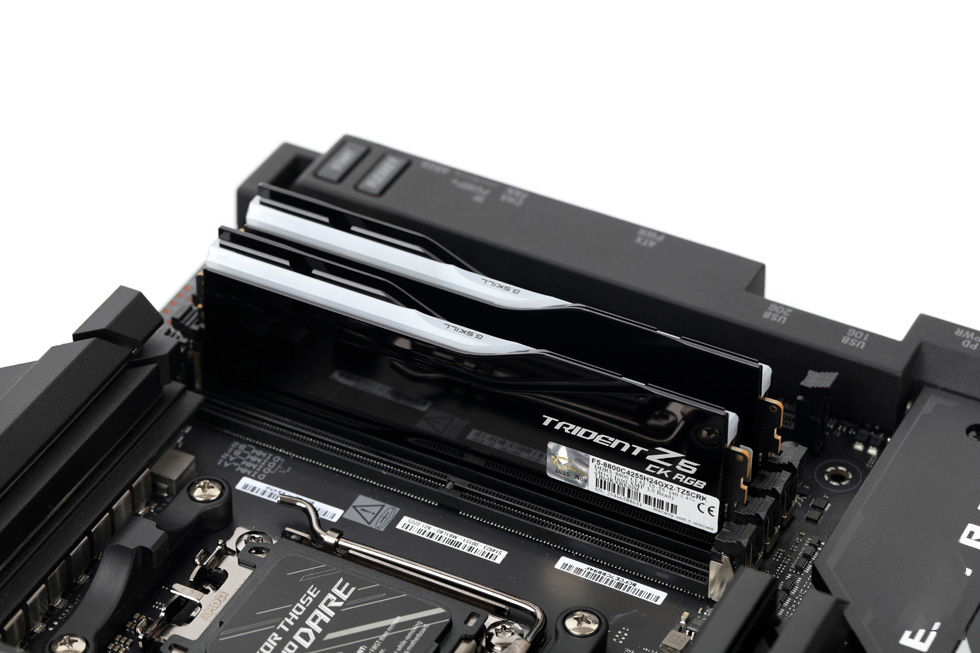
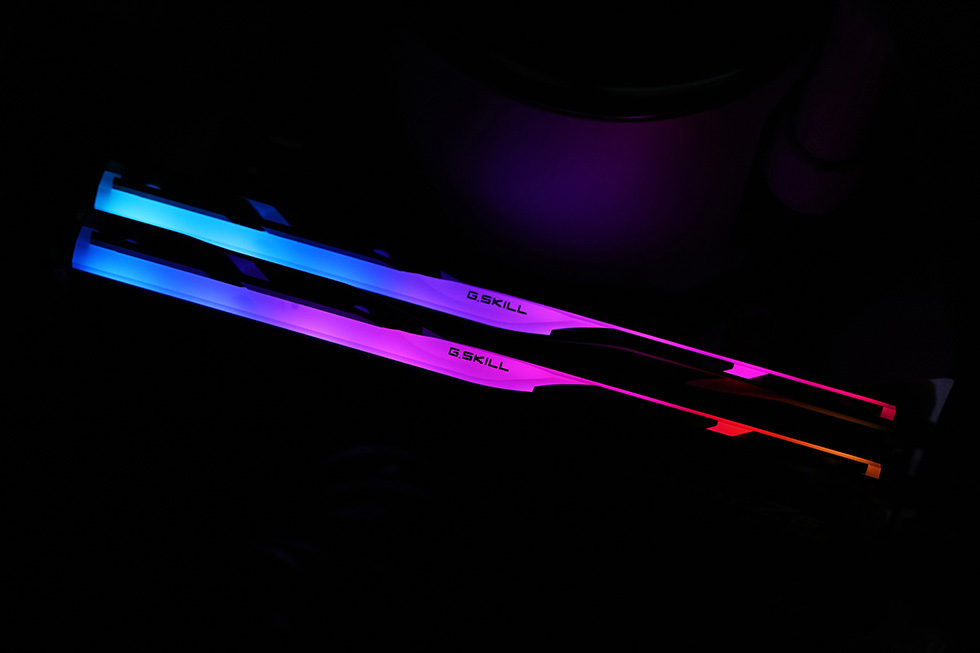
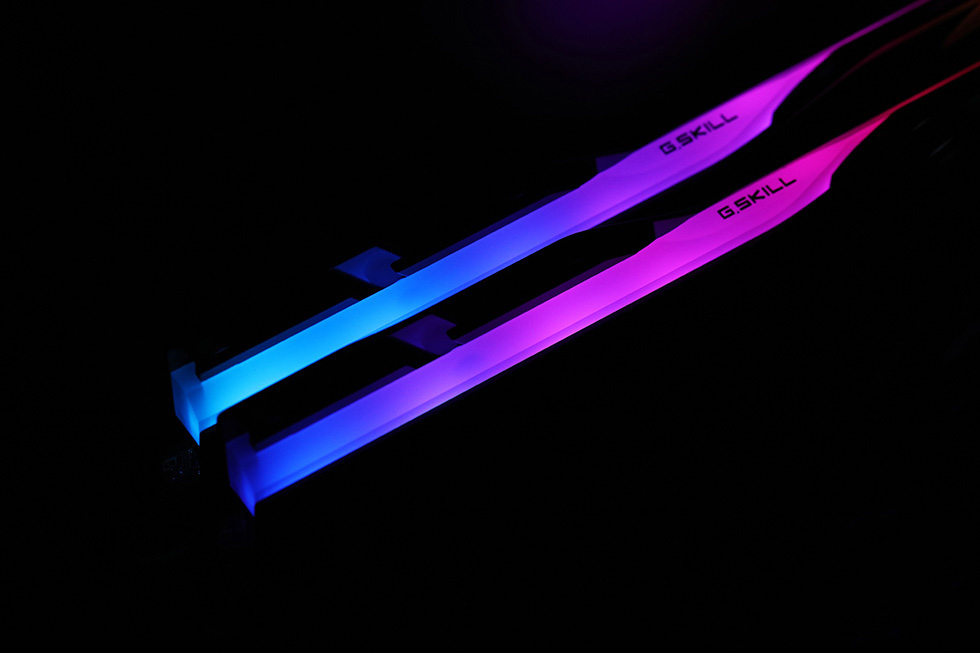
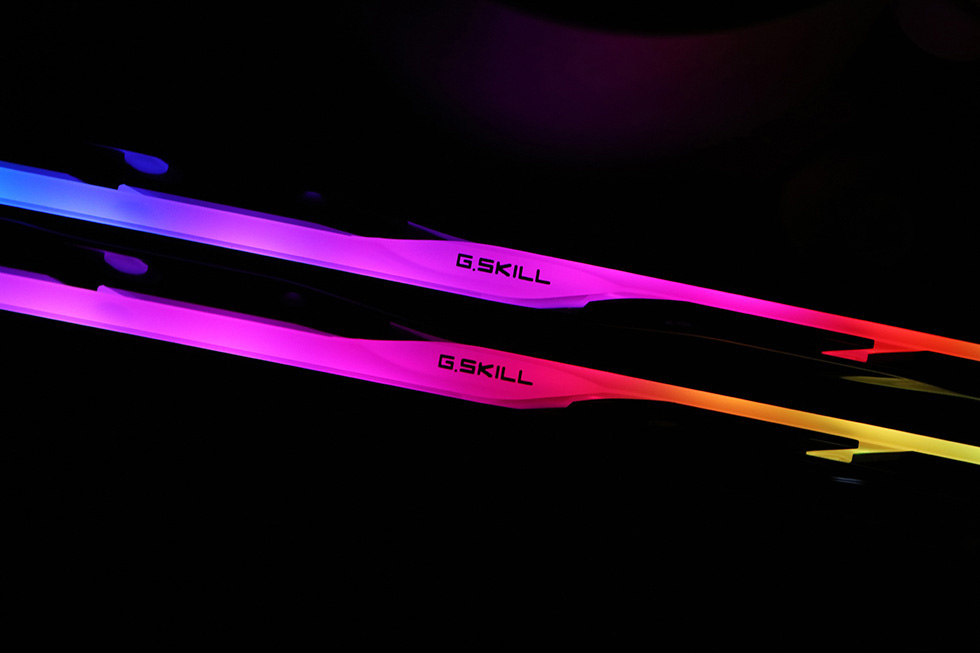
Default RGB dynamic lighting effect.
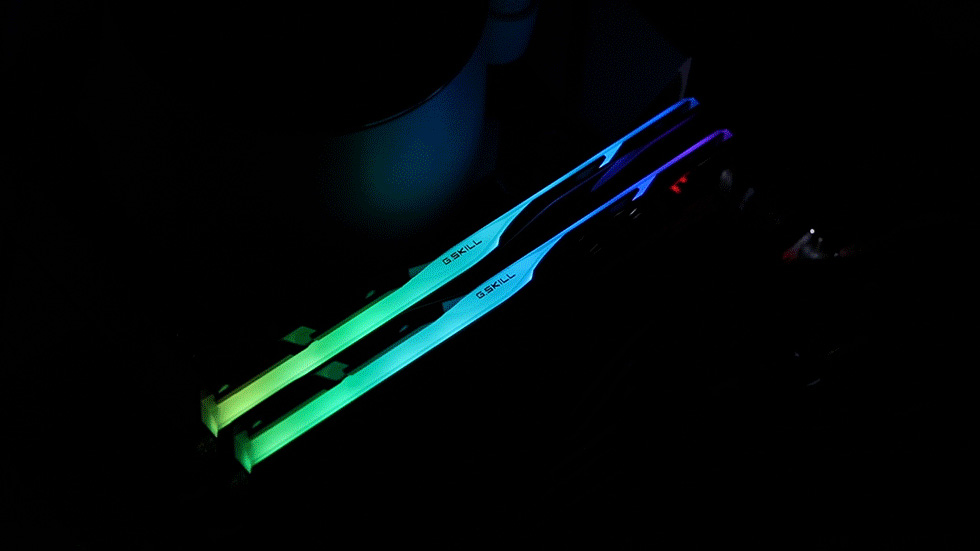
Static lighting details.
Test Platform
Memory: G.SKILL Trident Z5 CK RGB DDR5 8800 MHz CL42 48 GB (24 GB × 2)
Processor: Intel Ultra 7 265K @ Intel Default Settings
Motherboard: ASUS ROG Maximus Z890 Apex (BIOS version 1901)
CPU Cooler: MSI MPG Coreliquid P13 360 White
Testing Software:
AIDA64 Extreme v8.00.8000
CPU-Z v2.17
RunMemtestPro 7.0
Mem TweakIt v2.03.24
SiSoftware Sandra 2020/2021 R26
Introduction to CU-DIMM Memory
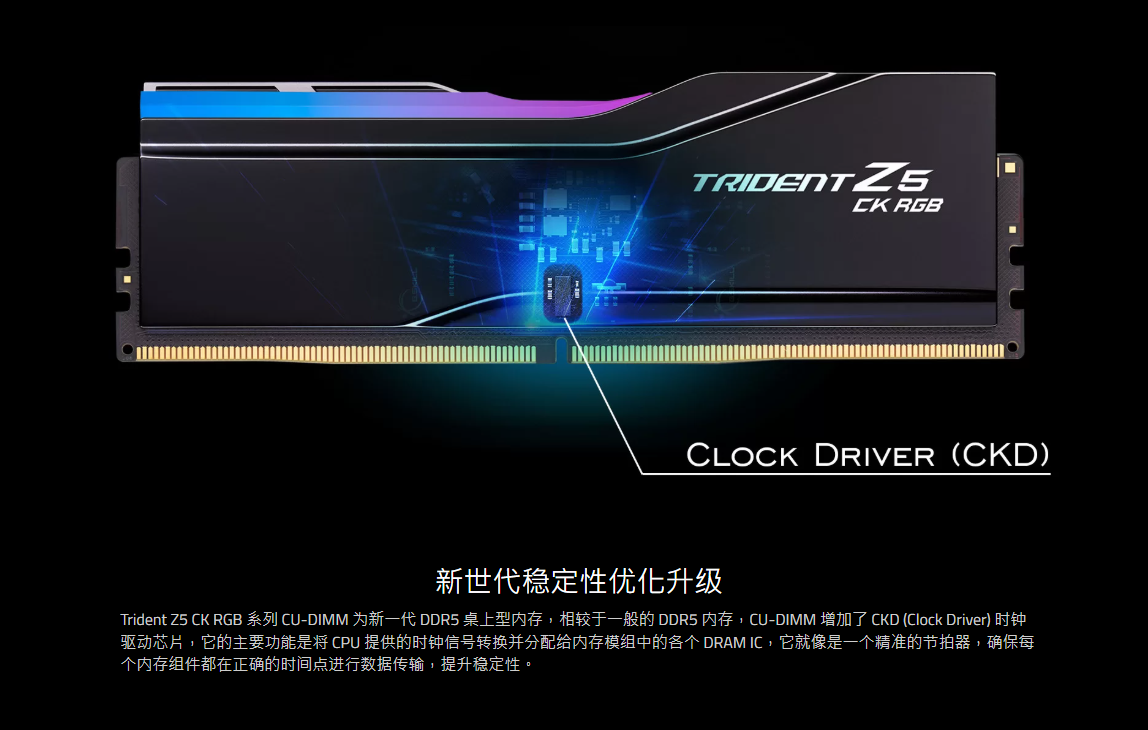
The memory tested here is a CU-DIMM module. According to G.SKILL’s official website, compared to standard DDR5 memory, CU-DIMM incorporates an additional CKD (Clock Driver) chip, which more effectively distributes the CPU’s clock signal to each DRAM chip on the memory module, thereby enhancing memory stability.
Due to the extremely high frequency of this DDR5-8800 memory kit, it’s necessary to consult the motherboard’s QVL (Qualified Vendor List) to verify compatibility between the motherboard and the memory. This information can be found on either the motherboard or memory manufacturer’s official website.
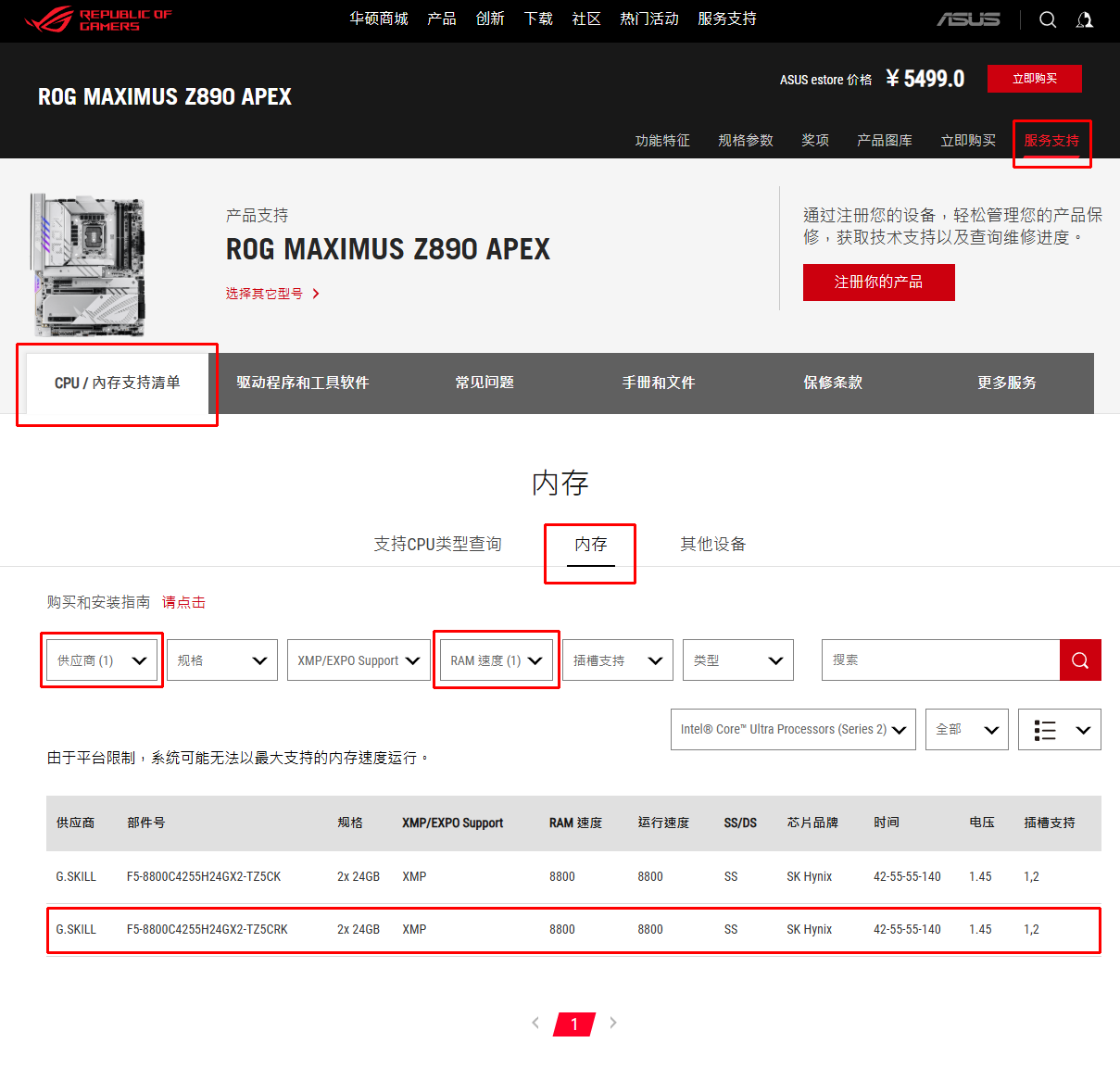
Taking the ROG motherboard used in this test as an example: visit the official ROG website, navigate to the support page for the specific motherboard model, then go to Service & Support → CPU/Memory Support List → Memory. Select G.SKILL as the vendor and 8800 MHz as the RAM speed. The tested memory kit will appear in the list, confirming that it is officially compatible and fully supported by the motherboard.
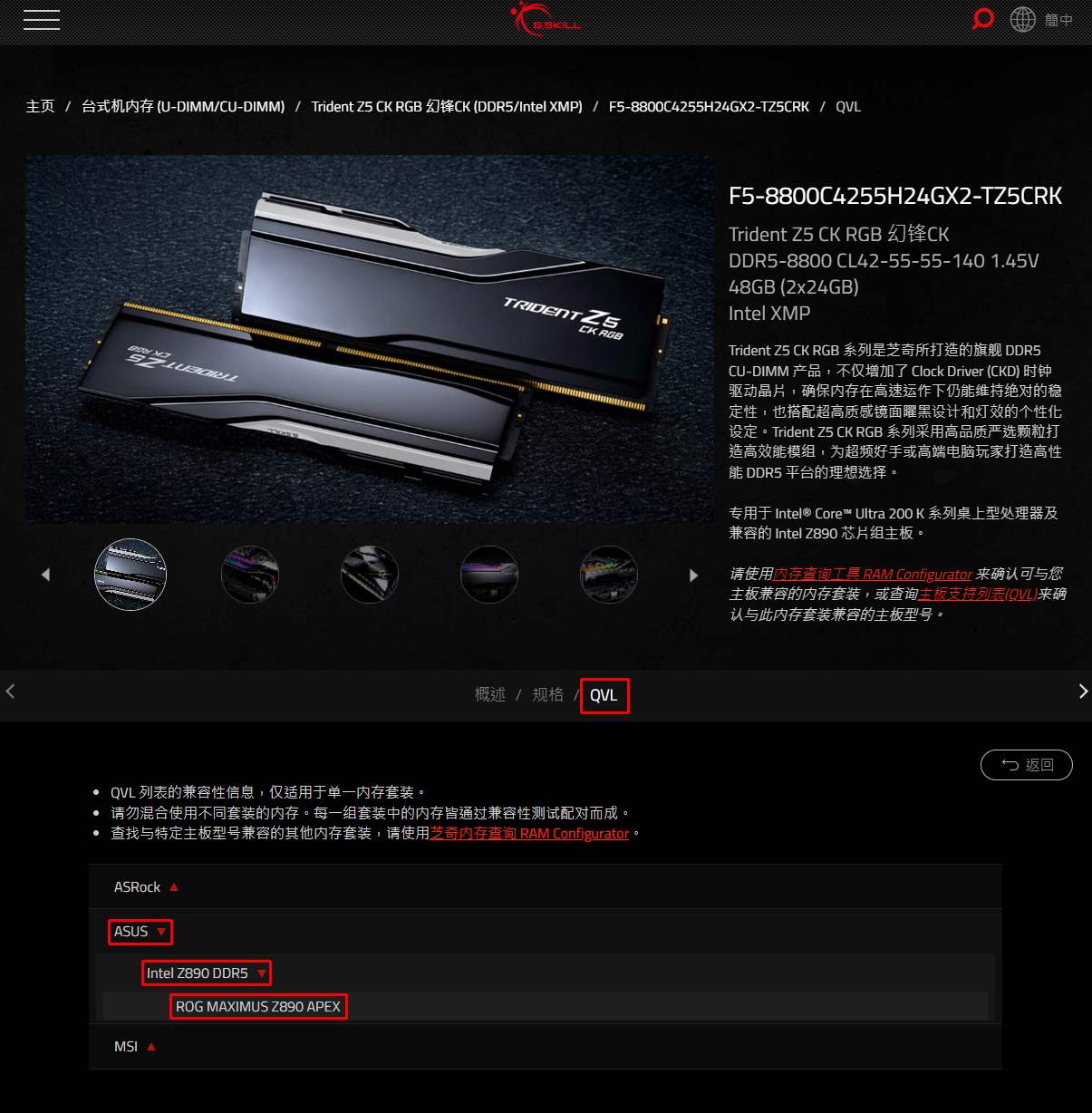
Similarly, the QVL compatibility list can also be found on the memory manufacturer’s official website. On G.SKILL’s website, navigate to the product page for the specific memory model, select QVL, then choose ASUS → Intel Z890 DDR5 in sequence. The motherboard model used in this test will appear in the list, confirming mutual compatibility and ensuring the memory and motherboard work together reliably.
Memory Performance Testing
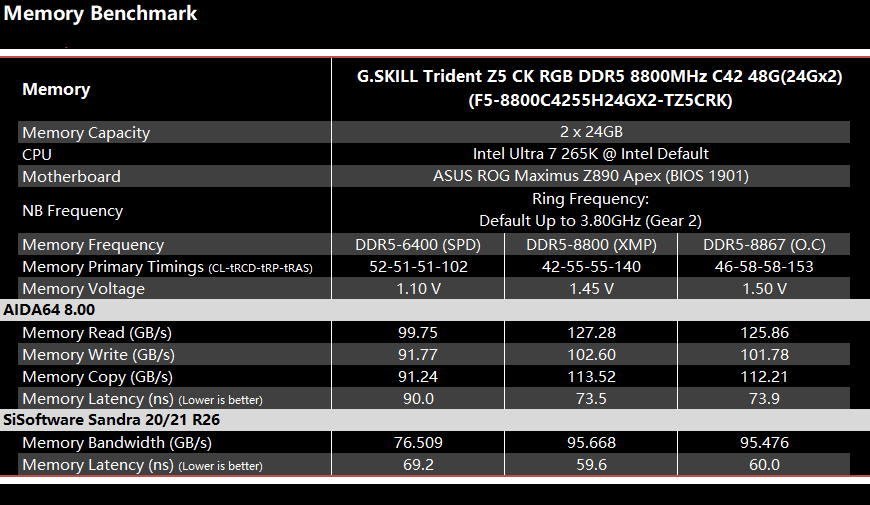
Overview of benchmark results under three configurations:
JEDEC standard profile (on-die default settings)
XMP profile
Initial stable overclocking profile
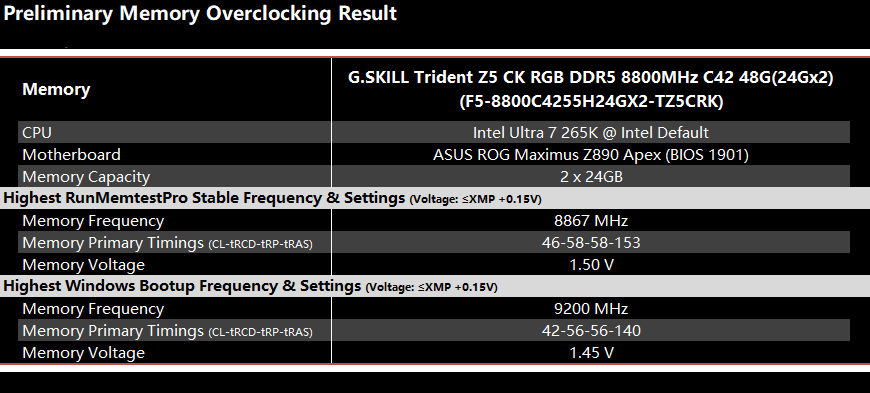
Initial Overclocking Results Overview
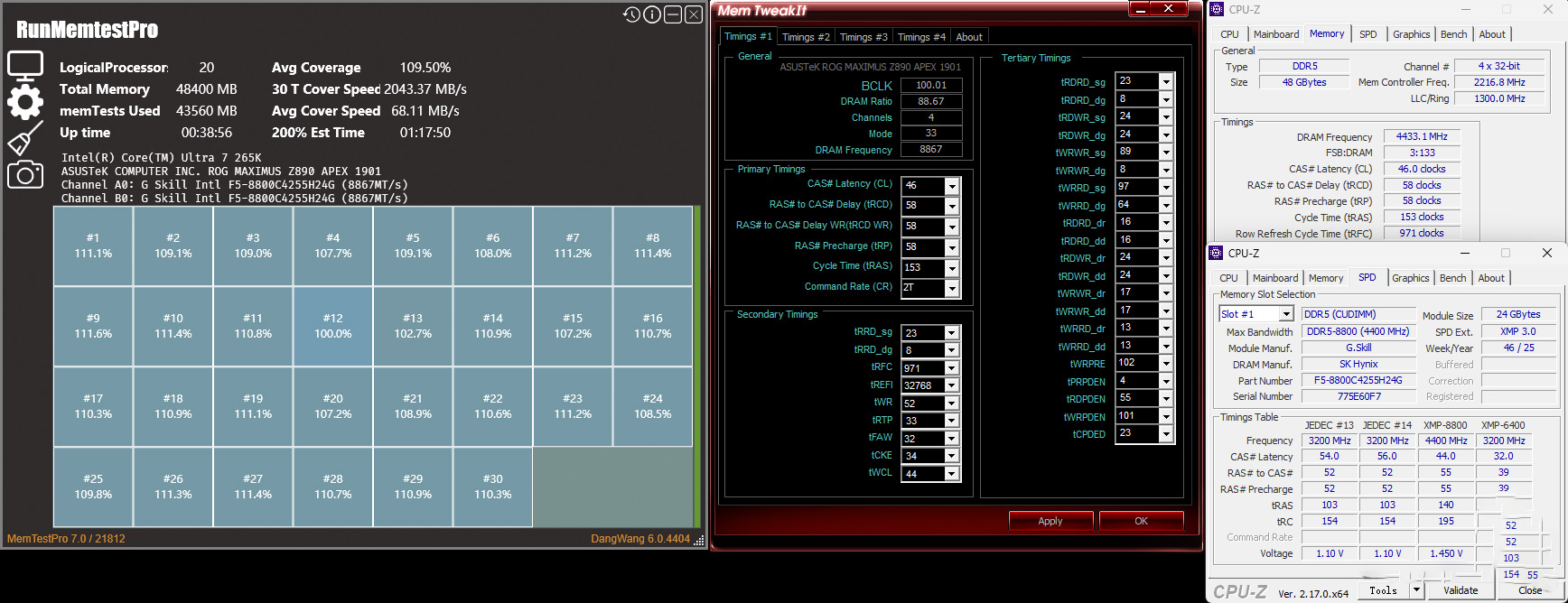
Following initial tuning standards, this memory kit achieved a maximum bootable and stable frequency of 9200 MHz at timings of 42-56-56-140 with 1.45 V on the ASUS ROG Maximus Z890 Apex motherboard used for testing, successfully reaching the Windows desktop.
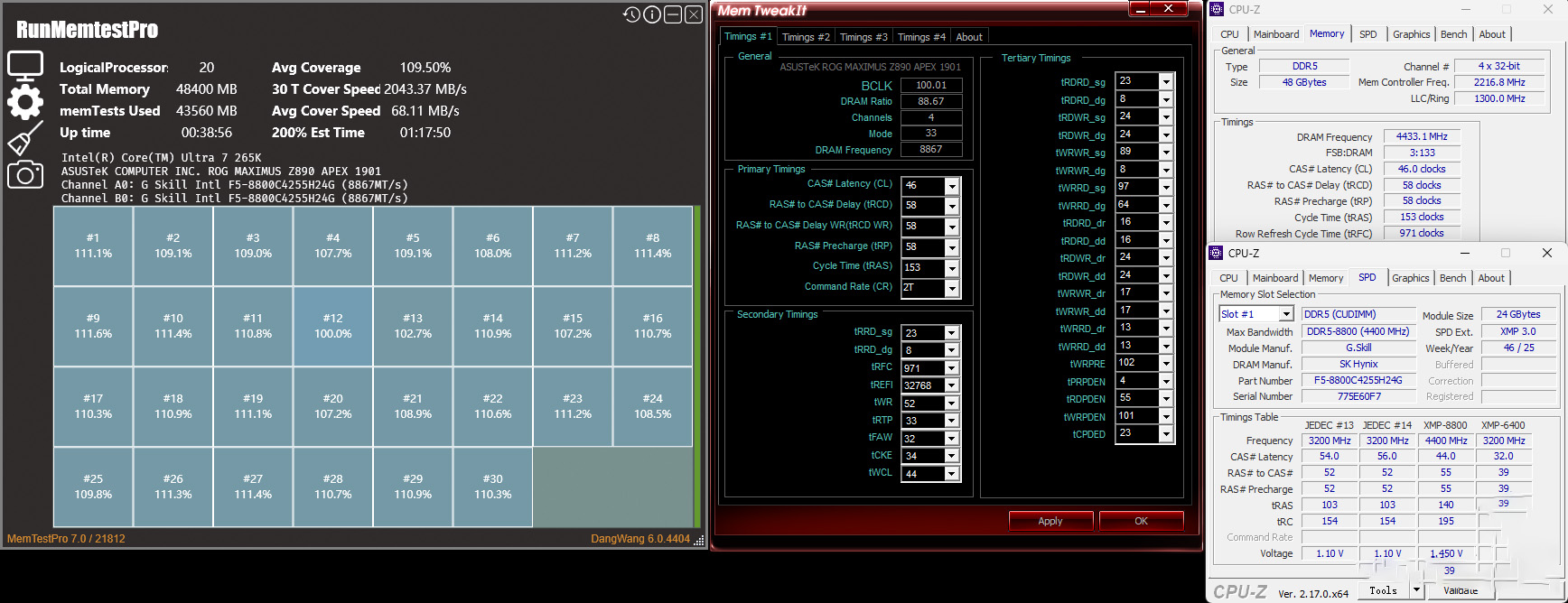
At a slightly reduced setting of 8867 MHz with timings of 46-58-58-153 and 1.50 V, it passed the MemTestPro 7.0 stress test with 100%+ coverage.
RunMemTest Pro (MemTest Pro 7.0) passing test screenshot.
Maximum overclock boot screenshot.
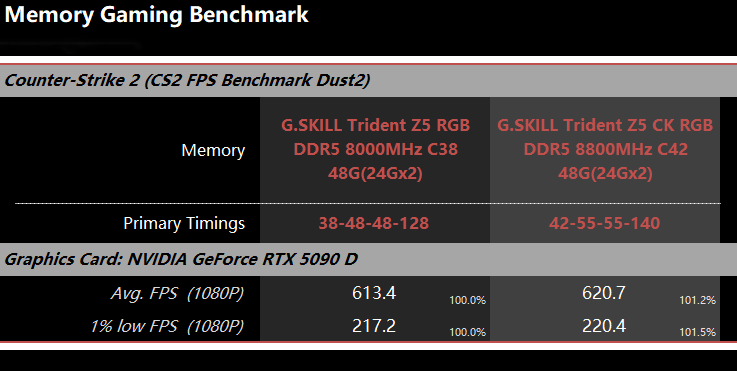
For this test, we selected the G.SKILL Trident Z5 RGB DDR5 8000 MHz CL38 48 GB (24 GB × 2) kit to benchmark alongside the reviewed memory in gaming performance.
The test game is Counter-Strike 2, using the same practical, real-world graphics settings as in previous reviews, with both kits compared at a consistent 1080p resolution.
First, let’s look at the read/write latency results of this comparison memory kit with XMP enabled.
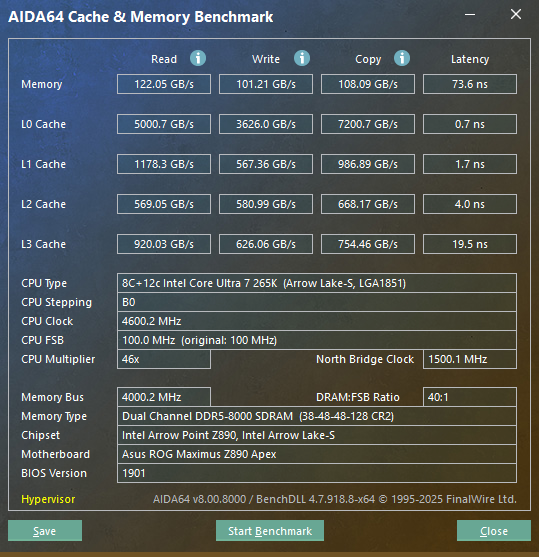
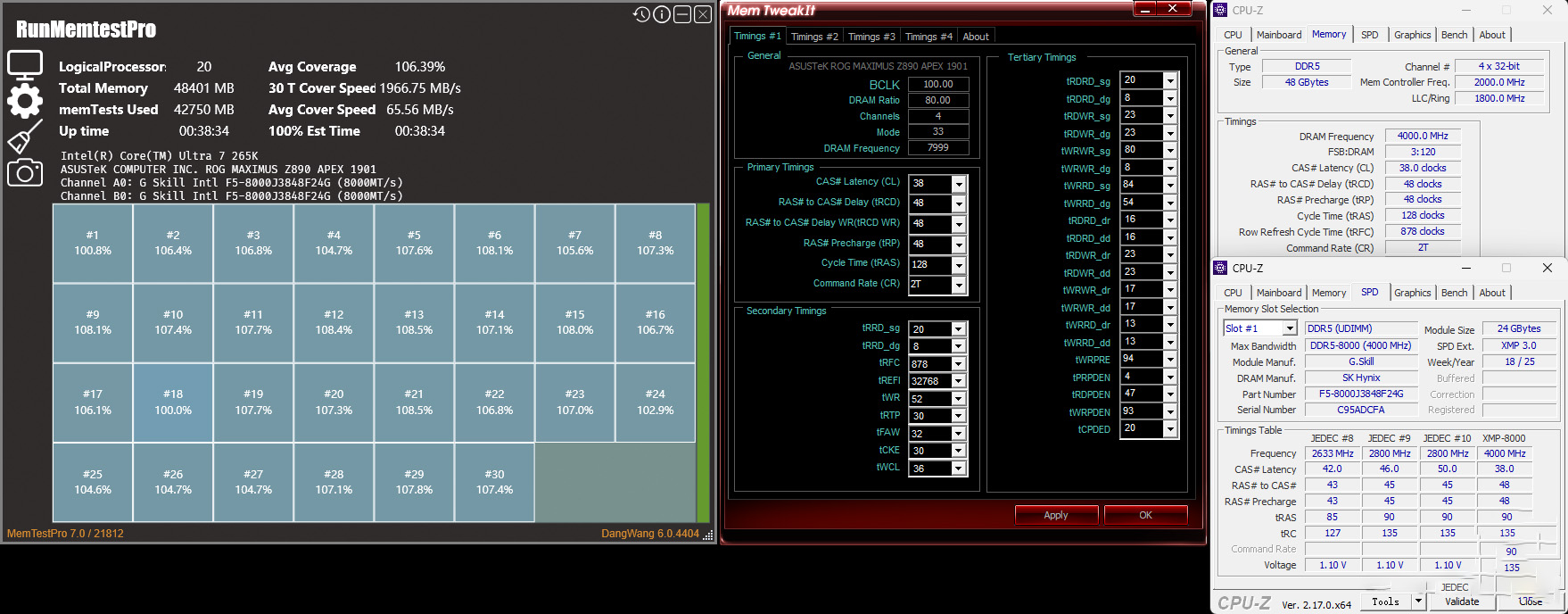
Screenshot of the comparison memory passing stress test under XMP profile.
Now let’s look at the gaming test results. At a consistent 1080p resolution, it’s clear that the system paired with the 8800 MHz CL42 memory delivers slightly better performance. It achieves a 1.2% higher average FPS and a 1.5% higher 1% low FPS compared to the alternative kit. Although the performance gain isn’t dramatic, it does contribute to a marginally smoother and more responsive gaming experience.
Conclusion
In practical use, the G.SKILL Trident Z5 CK RGB DDR5 8800 MHz CL42 48 GB (24 GB × 2)—the first CU-DIMM memory kit we’ve reviewed—stands out from standard DDR5 modules primarily due to its integrated CKD (Clock Driver) chip, which enables stable operation at the XMP profile of 8800 MHz with timings of CL42-55-55-140.
It’s important to note that motherboard support for CU-DIMM is currently limited. Before purchasing or installing, users should consult the QVL (Qualified Vendor List) for compatibility. On unsupported motherboards, the CKD chip will be disabled, and the module will operate as a standard DDR5 DIMM.
Although this kit didn’t deliver exceptional overclocking headroom on our test platform, its XMP profile alone is more than sufficient for most users’ performance needs. In Counter-Strike 2 gaming tests at 1080p resolution, it demonstrated a measurable advantage over a comparison kit running at 8000 MHz CL38, delivering higher average and 1% low frame rates.
Aesthetically, it retains the signature Trident Z5 family design language, enhanced with a glossy black piano-finish coating that exudes premium quality.
For enthusiasts with ample budget, this memory offers not only solid baseline performance but also a degree of tuning potential—making it a compelling choice for high-end Intel Ultra 200S/Z890 builds.
Official product page:
https://www.gskill.com/cn/product/204/439/1730699832/F5-8800C4255H24GX2-TZ5CRK